Shop by Department








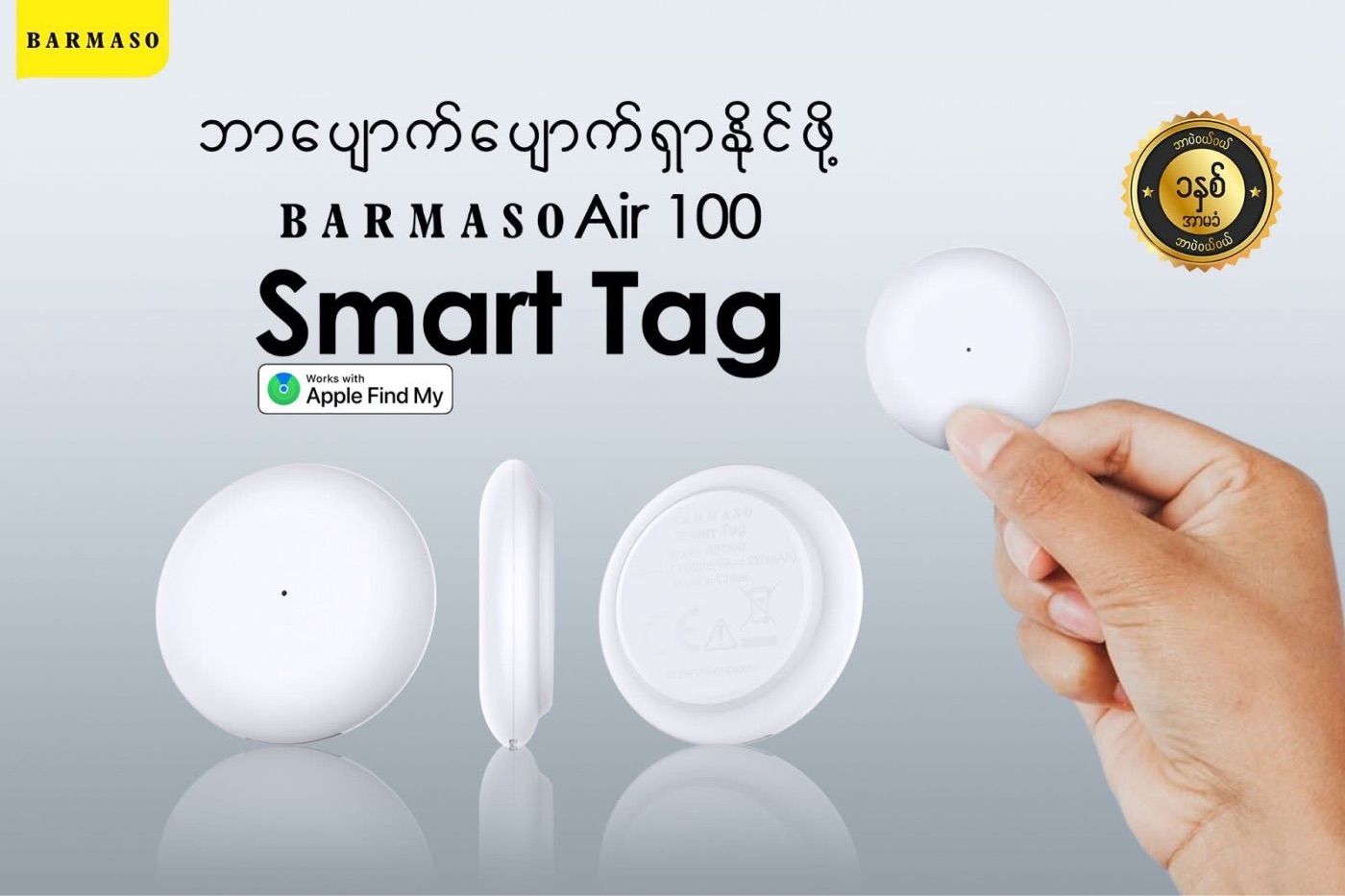
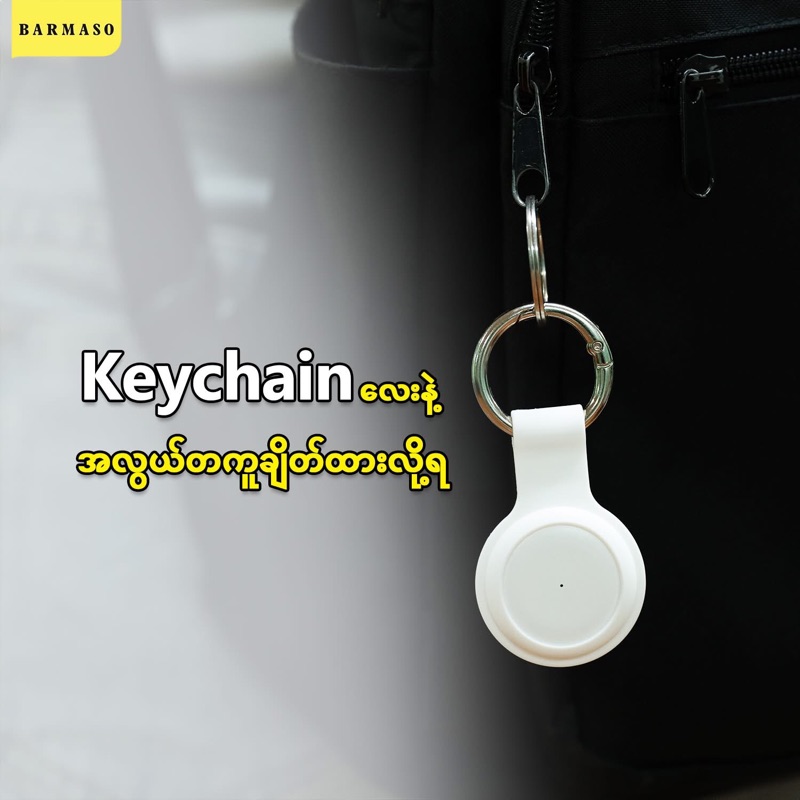
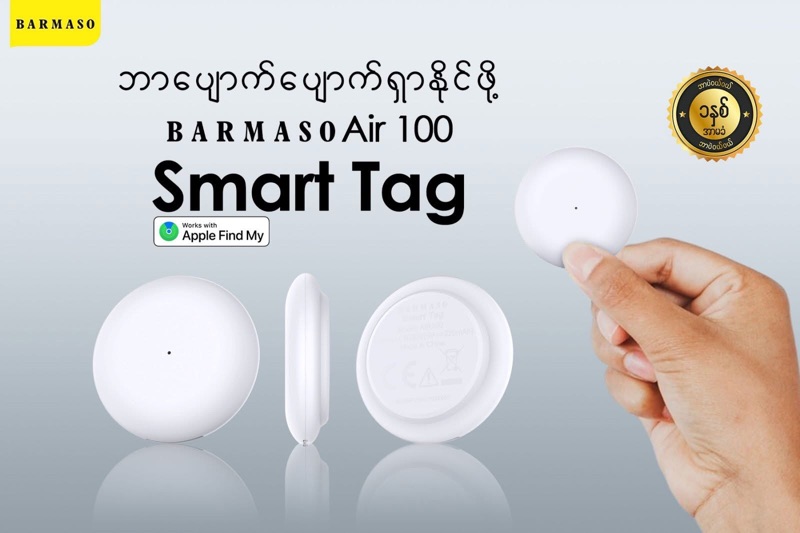
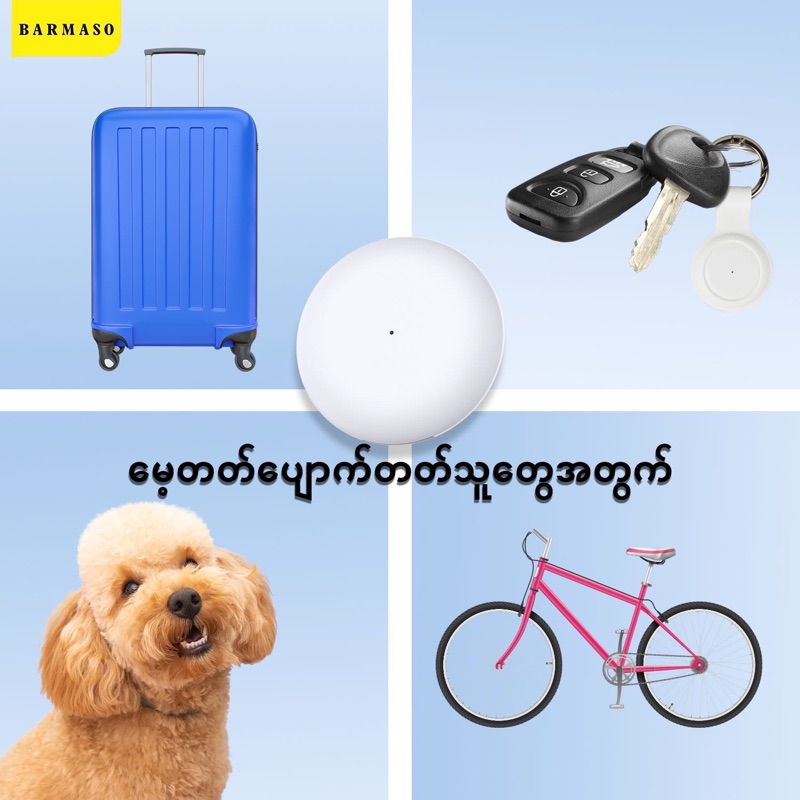

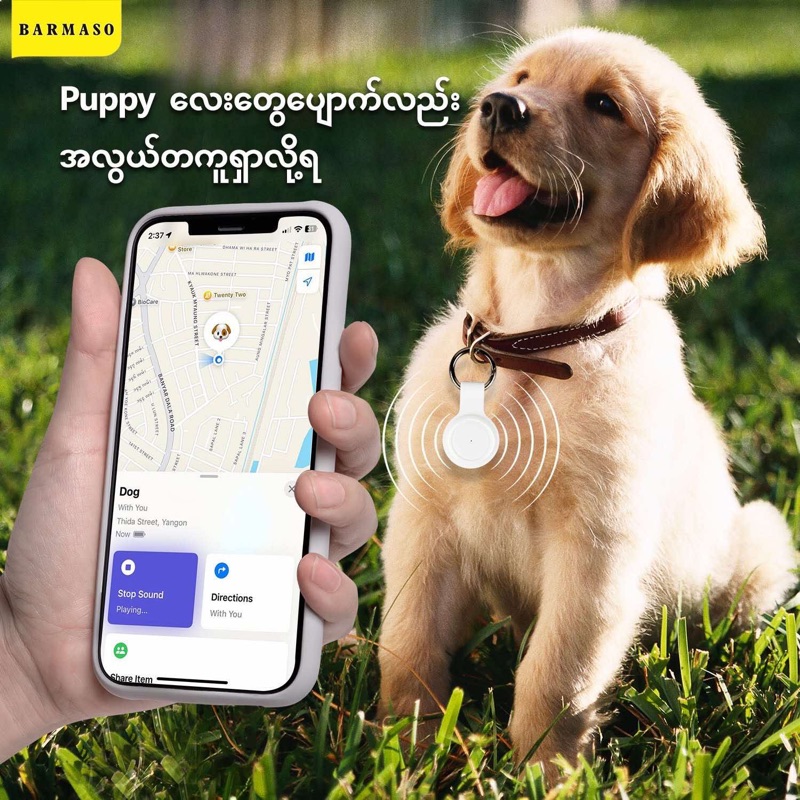
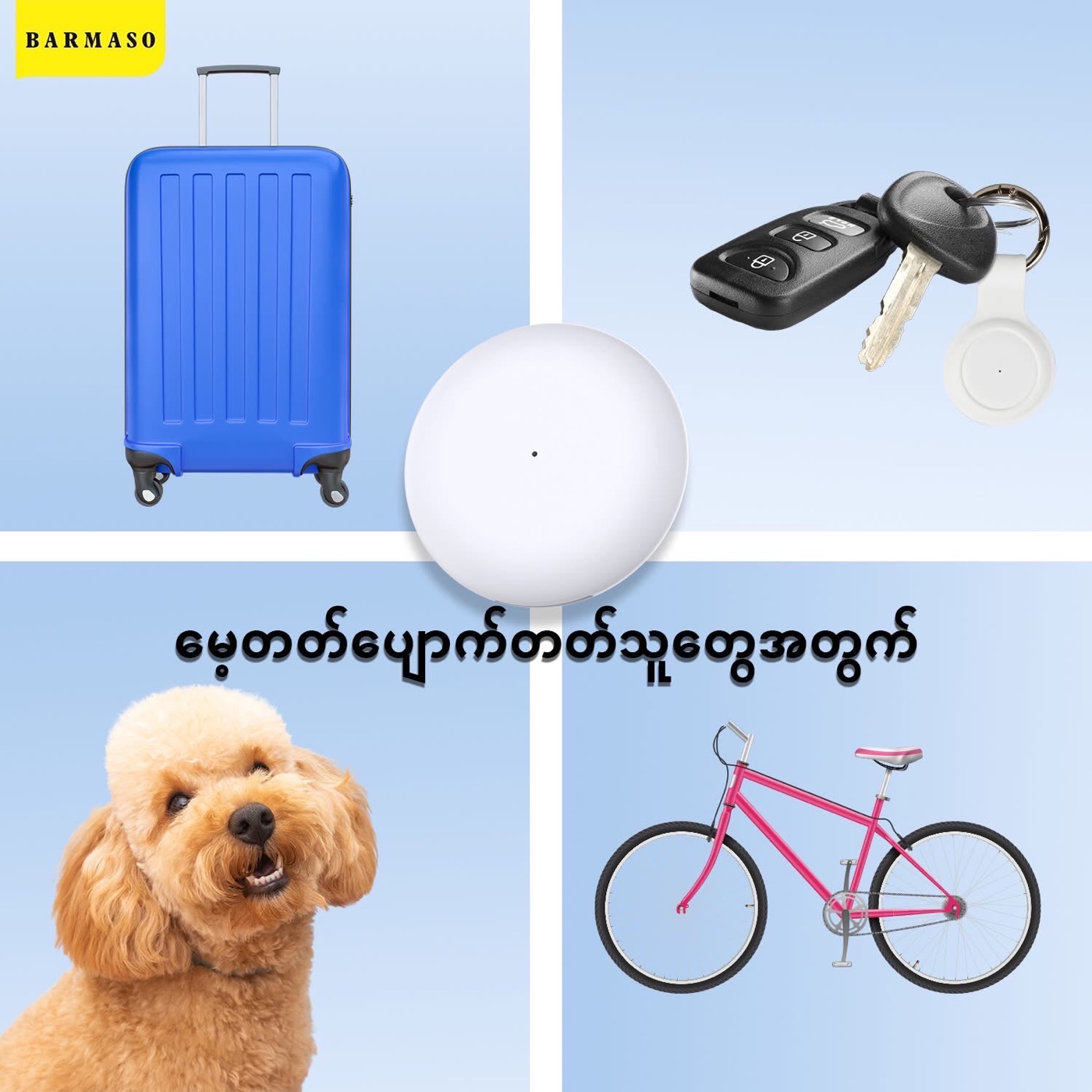

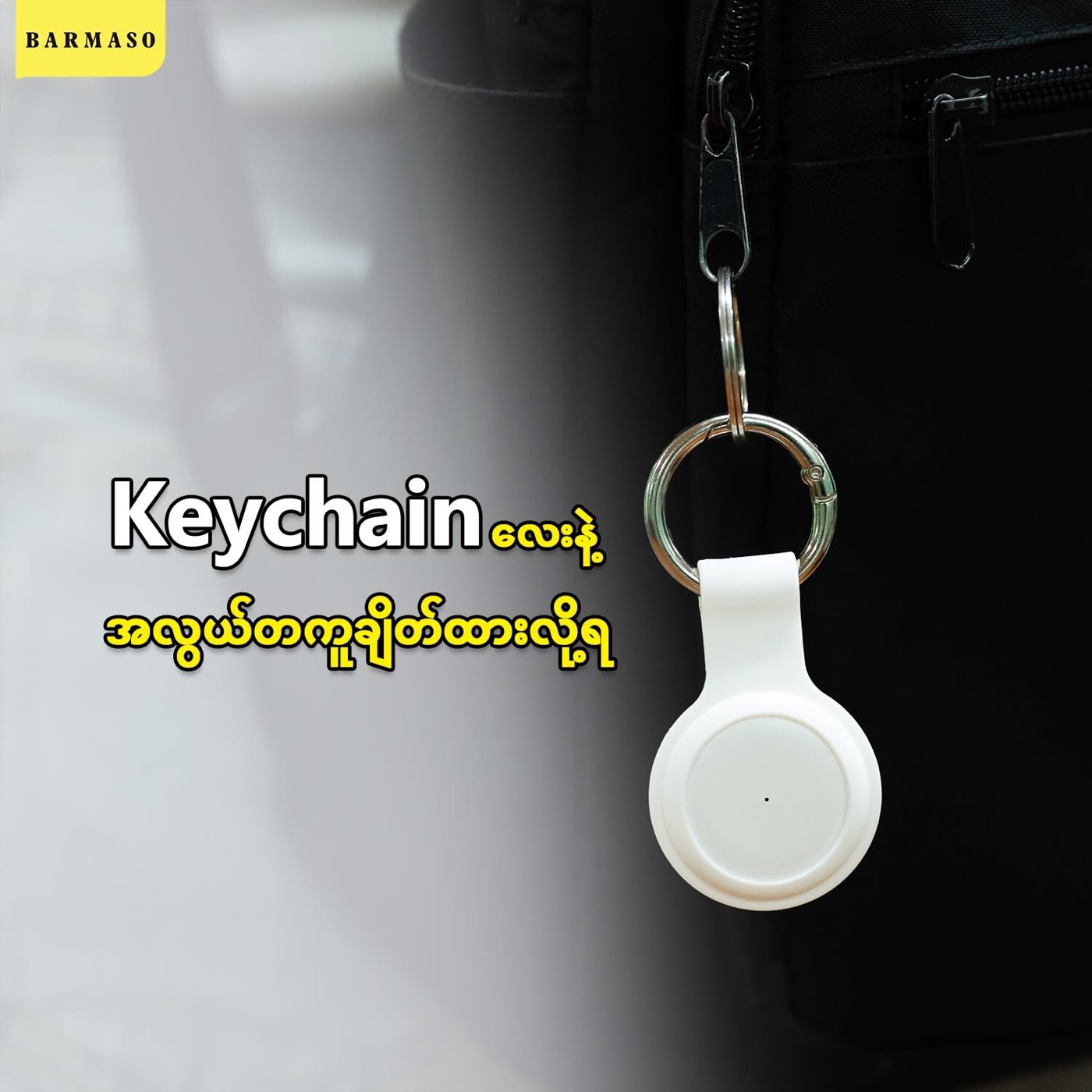
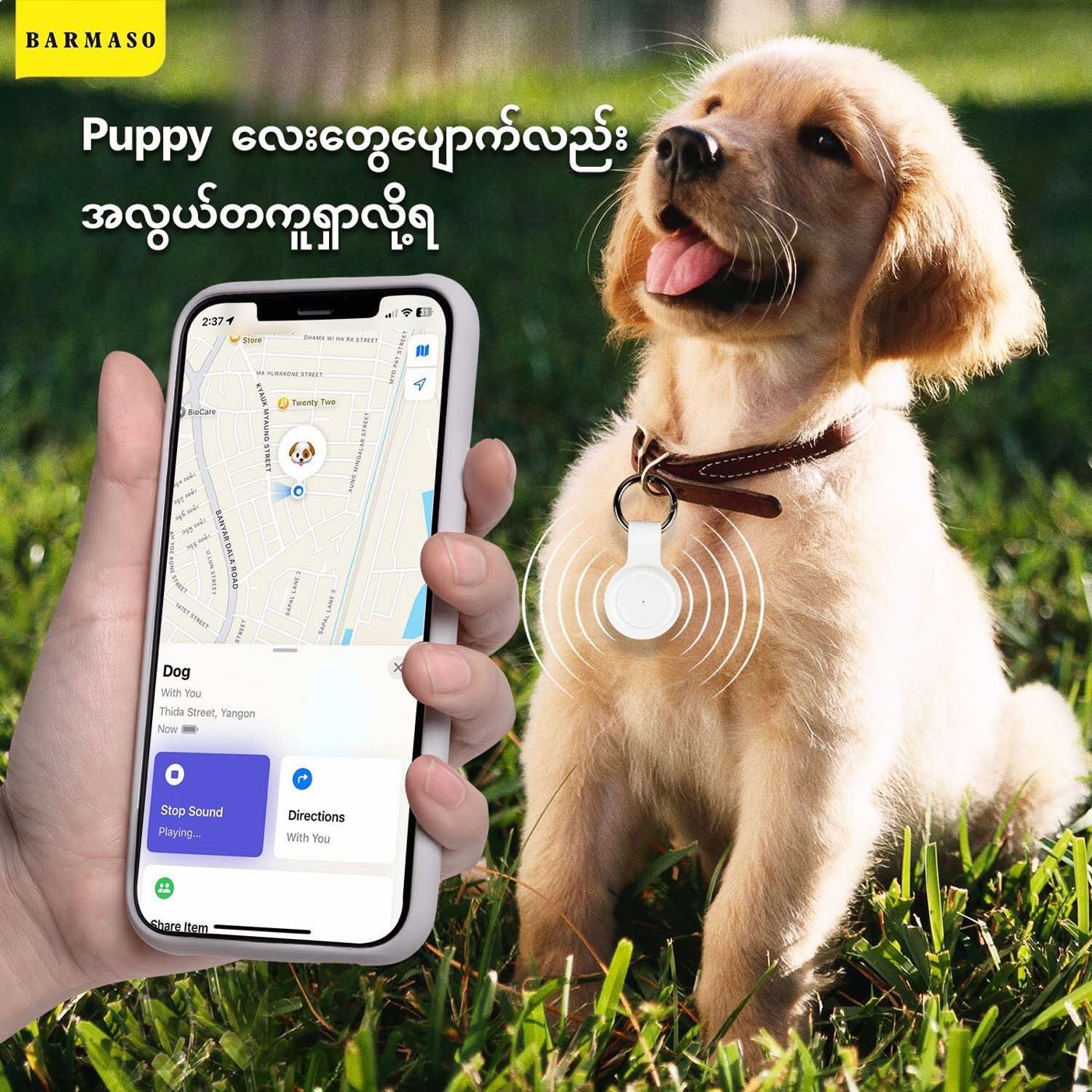
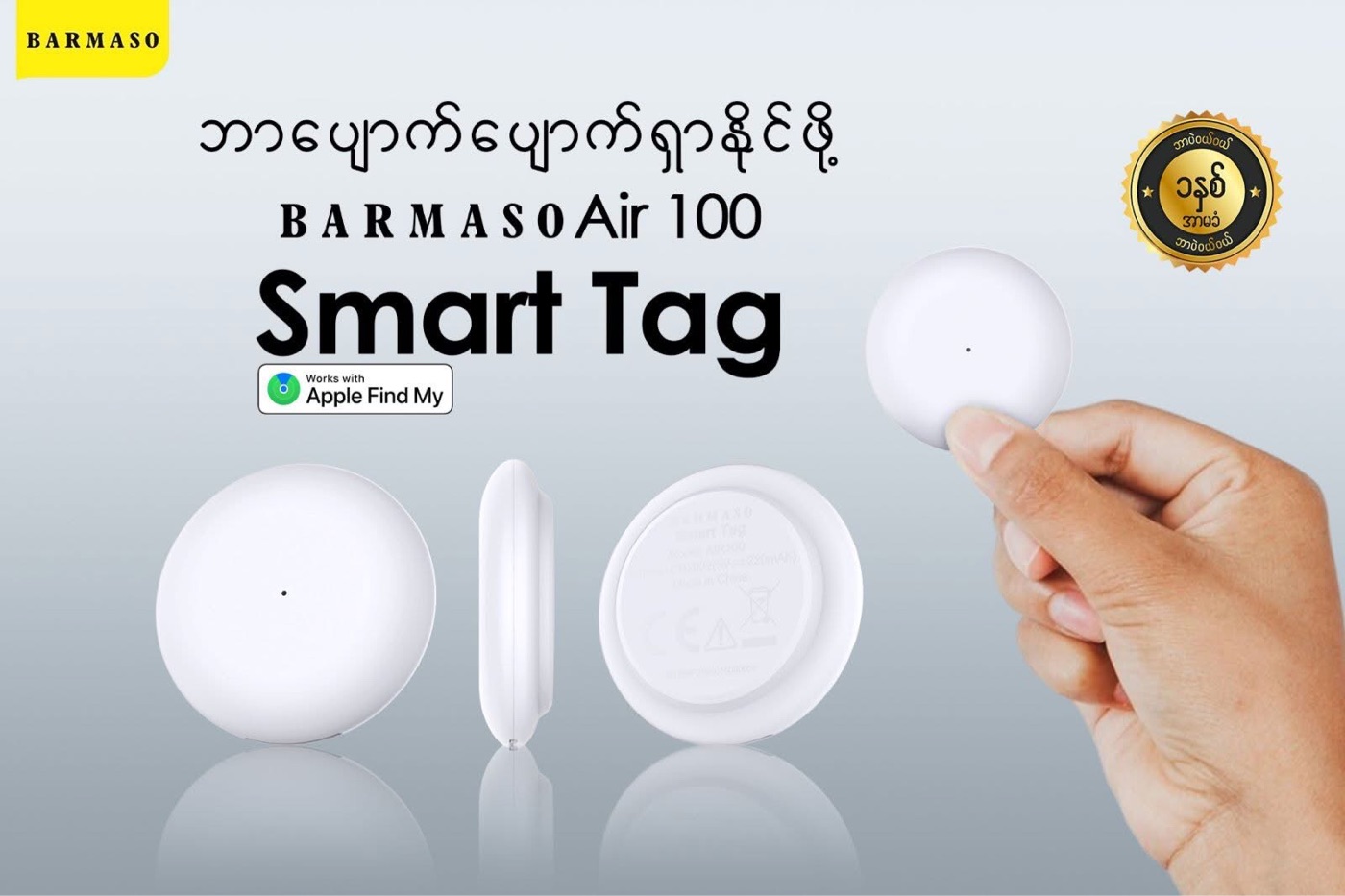
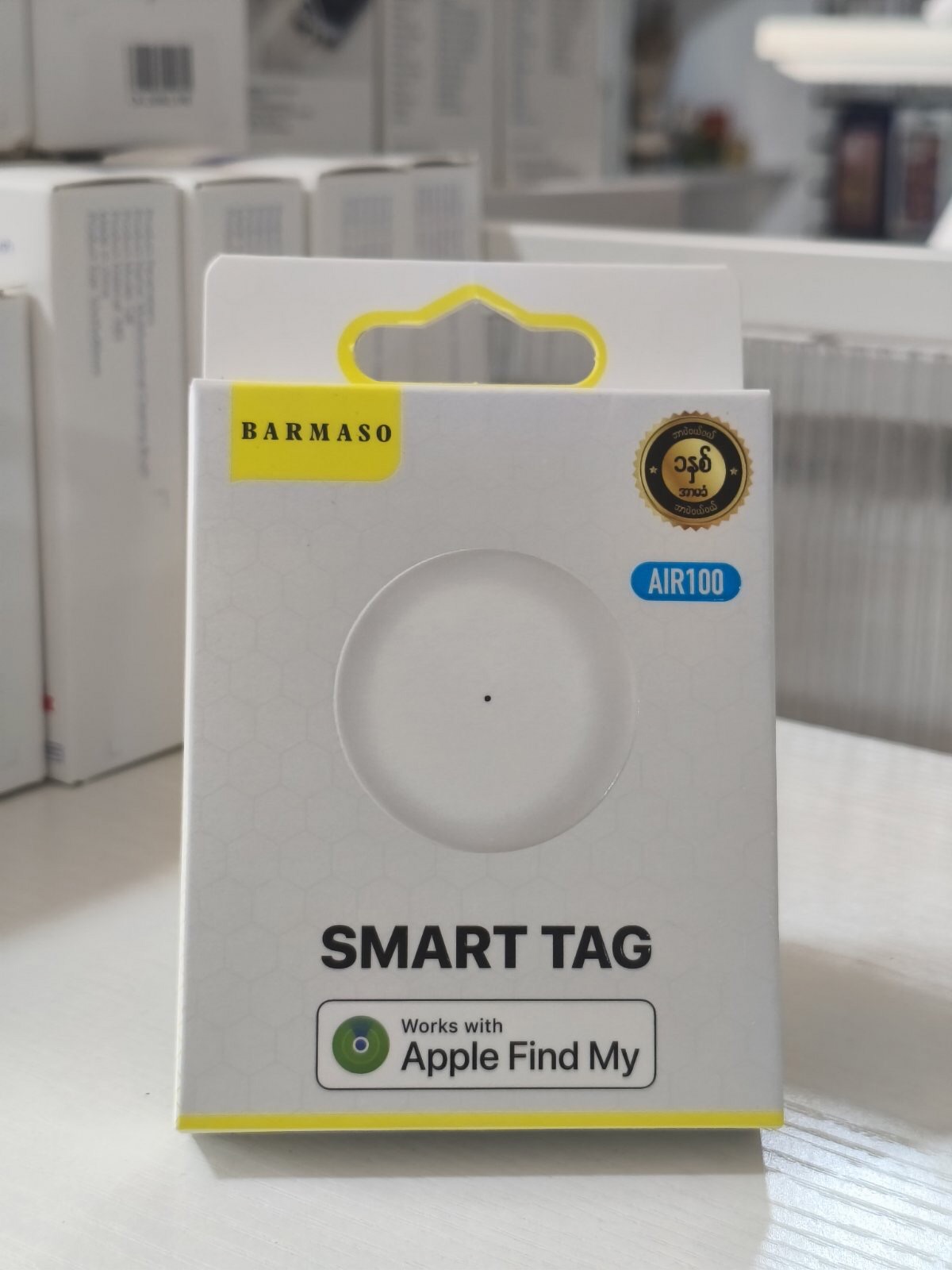
-BARMASO ရဲ့ Smart Tag က Apple certified, Apple ကနေ အသိအမှတ်ပြုထားတဲ့ ပစ္စည်းဖြစ်ပါတယ်။
အဲ့ဒါကြောင့် သုံးနည်းတွေက Apple AirTag လိုပါပဲ။
Smart Tag ရဲ့ Location ချိတ်ဆက်မှုနဲ့ လုပ်ဆောင်ချက်အသေးစိတ်ကိုပြောပြပေးထားပါတယ်
- အားသွင်းစရာမလိုဘူး။ တခါတည်း built in battery ပါပြီး အနည်းဆုံး တစ်နှစ်ခံတယ်။
အားကုန်သွားရင် နာရီပြင်ဆိုင်မှာ အဲ့ battery size နဲ့ ထည့်လဲလိုက်ရုံပါပဲ။
- ဖုန်းနဲ့ ချိတ်ပြီး သုံးရုံပဲ။ Smart Tag မှာ internet/simcard ဘာမှမလိုဘူး။
location ကြည့်နိုင်ဖို့ Smart Tag ချိတ်ထားတဲ့ဖုန်းမှာတော့ internet ရှိရမှာပေါ့နော်။
- ချိတ်ထားပြီးရင် oversea ကြိုက်တဲ့နေရာကနေ
ကြည့်လို့ရတယ်။
ဖုန်းမှာ internet ရှိတာနဲ့ ကြည့်လို့ရမယ်။
၁. Smart Tag က iPhone နဲ့ဘယ်လိုချိတ်ဆက်တာလဲ?
-Smart Tag ကို iPhone နဲ့ ချိတ်တဲ့အချိန် iPhone ကို Bluetooth ဖွင့်ထားဖို့လိုတယ်
-Bluetooth device ကလည်း Apple device ဖြစ်ရမယ်
iPhone သာမက MacBook, iPad အကုန်လုံးနဲ့ချိတ်လို့ရတယ် (Air pod, Apple Watch, Apple Headphones တော့မရပါ)
-Smart Tagရှိနေတဲ့ location သိဖို့ Smart Tag ပတ်ဝန်းကျင်မှာ ခုနပြောတဲ့ Apple device တစ်ခုခုရှိနေမှရပါမယ် (smart Tag ထည့်ပေးခံလိုက်တဲ့သူ/ ပစ္စည်းမှာမရှိလည်းရပါတယ်)
*Smart Tag ဘေးပတ်ဝန်းကျင်ကနေ အပေါ်မှာ ပြောထားတဲ့ Apple Device တစ်ခုခု ဖြတ်သွားရုံနဲ့တင် Location Update ချက်ချင်းလုပ်ပေးပါတယ်။
၂. ချိတ်ဆက်နိုင်တဲ့အကွာအဝေး နဲ့ ချိတ်ဆက်လုပ်ဆောင်မှု
-ကြားခံချိတ်ဆက်ပေးမယ့် Apple device တွေနဲ့ Smart Tag နဲ့ကြား ကြားခံတစ်ခုခု နံရံတစ်ခုခုရှိနိုင်မယ်ဆိုရင် ချိတ်ဆက်နိုင်မှု ပိုတိုပါတယ်။
-ဘာနံရံမှမခြားဘူးဆိုရင်တော့ ပေ၁၀၀ လောက်အေးဆေး connect လုပ်ပြီး original ချိတ်ဆက်ထားတဲ့ apple find my app ဆီ data ပို့ပြီး location ပြနိုင်ပါတယ်
*မှတ်ချက်*
-Smart Tag ရှိတဲ့ location ကို ပတ်ဝန်းကျင်က Apple Deviceတွေနဲ့ Signal ချိတ်ဆက်ပေးမယ့်လုပ်ဆောင်ချက် အကွာအဝေးကိုရှင်းပြထားတာပါ
*Smart Tag နဲ့ Apple Find My ချိတ်ထားတဲ့ ကိုယ့် iPhone နဲ့ကတော့ ဘယ်လောက်ဝေးဝေး Smart Tag ရှိရာ Location ကိုလာပြပေးနိုင်ပါတယ်။
ဆိုလိုချင်တာက smart ထည့်ပေးခံလိုက်ရတဲ့ လူ (သို့မဟုတ်) ပစ္စည်းတစ်ခုခုရဲ့ ပတ်ဝန်းကျင် ပေ ၁၀၀ လောက်မှာ Apple device တစ်ခုခုရှိနေရပါမယ်။
-အဲ့နီးစပ်ရာ apple device တွေကနေ ပင်မချိတ်ပေးလိုက်တဲ့ Apple find my ရှိတဲ့ iPhone ထဲကို location ပို့ပေးပါမယ်။
ကြားခံ device တွေက ချိတ်ဆက်ပေးရုံပါ ဘာ data ဘာ noti မှ သူတို့မှာမပေါ်ပါဘူး မသိနိုင်ပါဘူး။ Original ချိတ်ဆက်သူ iPhone ကသာသိနိုင်ပါတယ်(လုံခြုံစိတ်ချရပါတယ်)
Smart Tag ရှိတဲ့ Location ကို Apple Company တောင် မသိနိုင်ပါဘူး။
Apple device ချင်း connection လုပ်ဆောင်ခြင်းမျိုးပါ။
ဒါကြောင့် smart Tag က သူရောက်နေတဲ့ပတ်ဝန်းကျင်မှာ Apple device တစ်ခုမှမရှိဘူး ဆိုရင်location မပြနိုင်သေးဘဲ Apple device တစ်ခုခုနား ပေတစ်ရာဝန်းကျင်လောက်ရောက်တာနဲ့ ရောက်တဲ့နေရာ location update ပေးနိုင်ပါတယ်။
-Smart Tag ကတော့ အမြဲ signal လွှင့်ပေးနေမယ် Apple device တွေက အဲ့ signal ကိုချိတ်မိတာနဲ့ location ကိုတန်းပြပေးတာပါပဲ။
၃. ဖုန်းတွေအများကြီးနဲ့သုံးလိုရလား?
ဖုန်းတစ်လုံးထဲနဲ့ Smart Tag အများကြီးချိတ်လို့ရလား?
-Apple ID တူရင် အဲ့ Smart Tag ကို ဘယ် Apple device နဲ့ဖြစ်ဖြစ်ချိတ်လို့ရပါတယ်။
Apple ID မတူရင်တော့ smart Tag တစ်ခုကိုဖုန်းအများကြီးချိတ်မရပါ။
-Apple ID တစ်ခုထဲ ဖုန်းတစ်လုံးထဲကနေတာ့ Smart Tag အများကြီးကြိုက်သလောက်ချိတ်နိုင်ပါတယ် ။
*ဖုန်းတစ်လုံးထဲကနေ Smart Tagတွေအများကြီးကို ချိတ်ဆက်ပြီးကြည့်နိုင်ပါတယ်။*
*Apple Air Tag အပါအဝင် ဒီအတိုင်းပါပဲ
ဒီနည်းပညာက ထိပ်တန်းနည်းပညာဖြစ်ပါတယ်
Apple Company ရဲ့ နည်းပညာပါ။
*အနှစ်ချုပ်ကတော့*
-BARMASO Smart Tag က Apple Certified ဖြစ်ပြီးသားမို့ Air Tag လိုပဲ Apple Device တွေမှာပဲချိတ်နိုင်မယ်။
-Smart Tag ချိတ်ထားတဲ့ iPhone ကသာ internet ချိတ်ဖို့လိုပါတယ်
- Smart Tag ကတော့ internet ချိတ်ဖို့မလိုပါ။ ပတ်ဝန်းကျင်မှာ တခြား Apple Device တစ်ခုခု
ရှိနေရင်ရပါပြီ (အလိုအလျောက်ချိတ်ဆက်ပြီး location ပို့ပေးပါလိမ့်မယ်)။
Apple Device တစ်ခုခုဖြတ်သွားရုံနဲ့တင်ရပါတယ် ချိတ်ပေးစရာမလိုပါ။
-Smart Tag ချိတ်ထားတဲ့ iPhone ကတော့ သူ့ထဲက Apple Find My ကနေတဆင့်
Smart Tag ဘယ်နိုင်ငံထိရောက်ရောက်ကြည့်နိုင်ပါတယ်။
Your email address will not be published. Required fields are marked *
Please login to write review!
Looks like there are no reviews yet.
37,500Ks
22,000Ks
Cookie preferences


